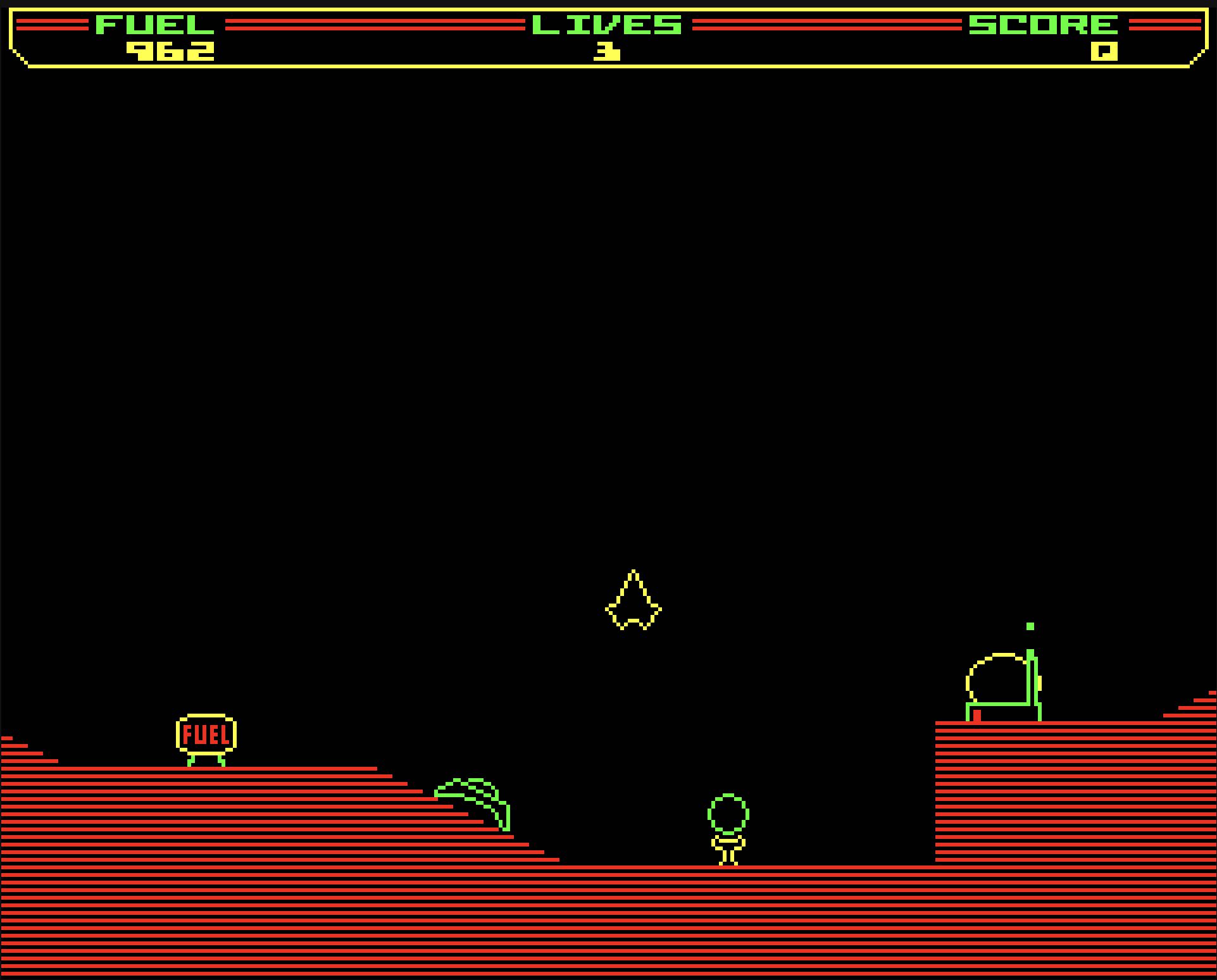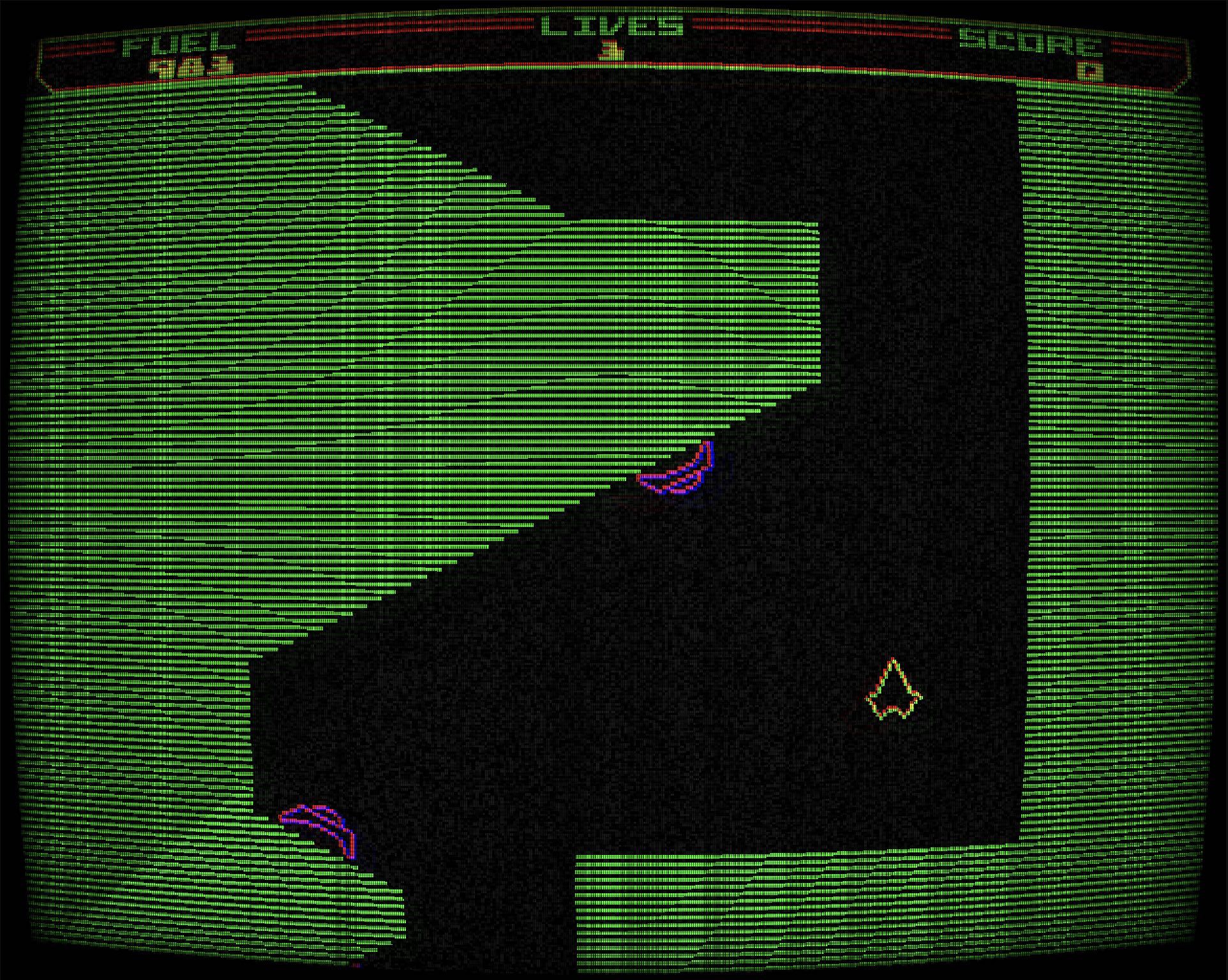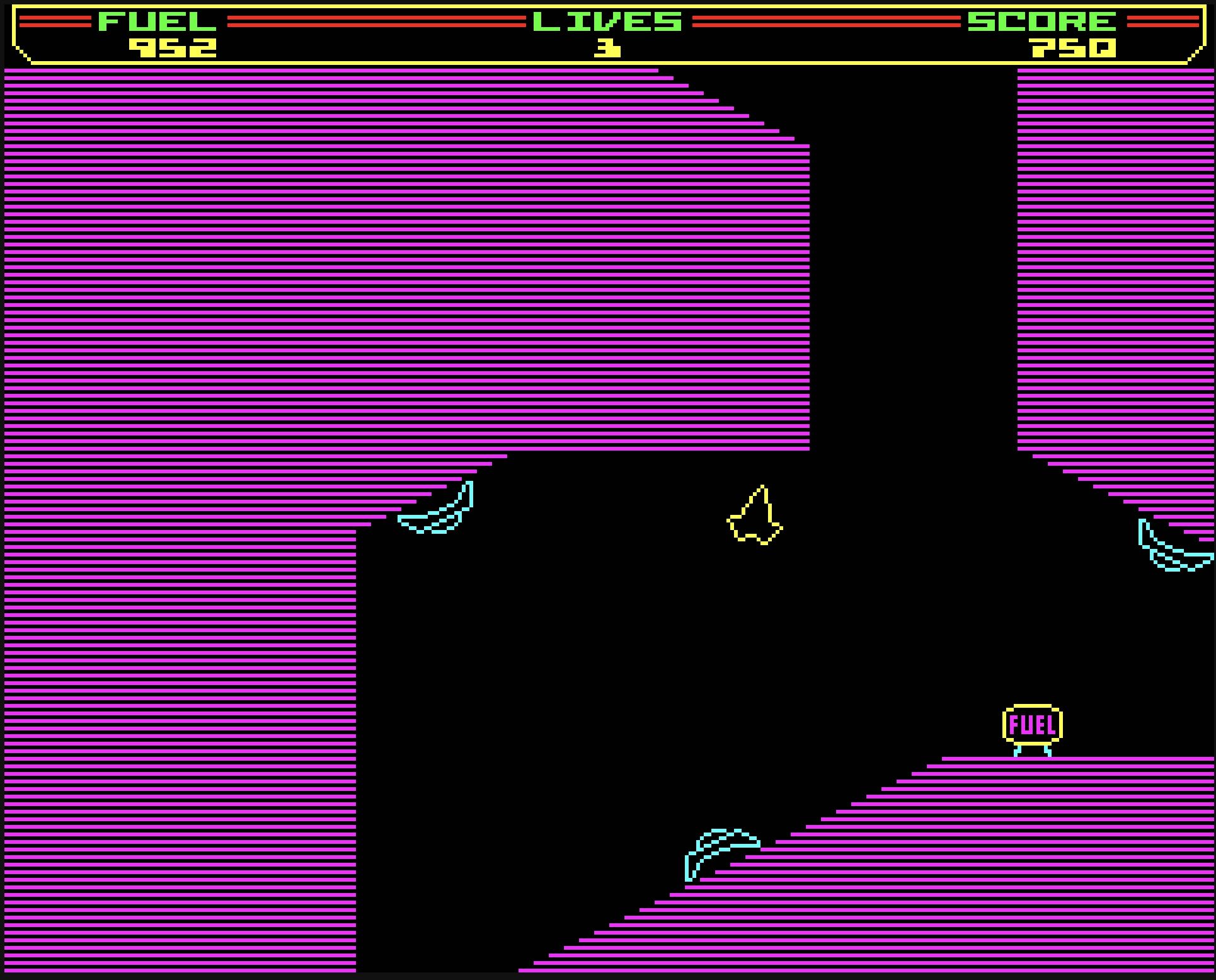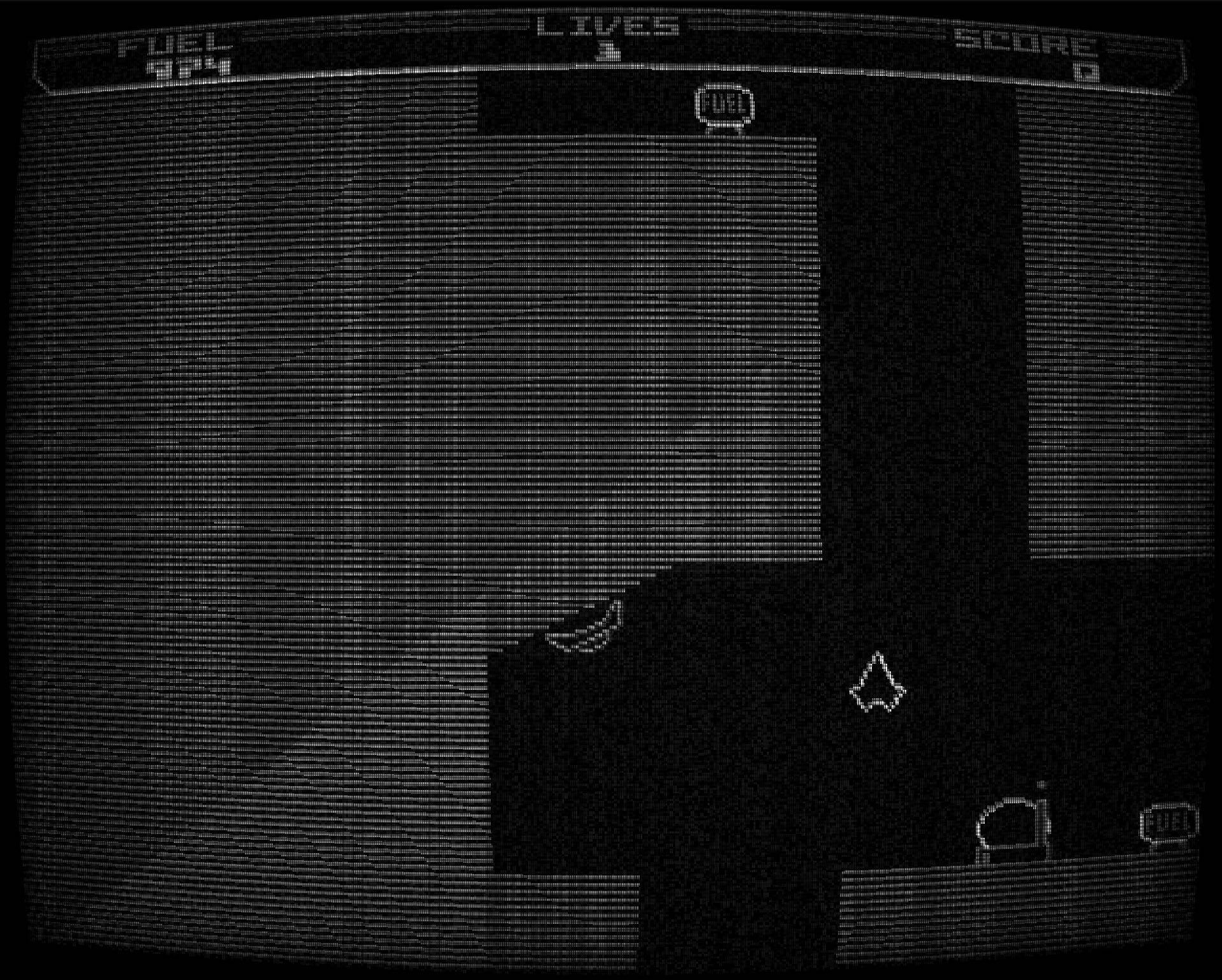
I asked Claude to recreate the classic 1986 game Thrust for me in the browser. It created slop but then things spiralled out of control.
Thrust was one of my favourite games on the BBC Micro — written by Jeremy C. Smith and published in 1986, it’s a deceptively deep game with amazing physics and gameplay. You pilot a ship through caverns, collecting fuel, avoiding turret fire, and retrieving a pod for bonus points while fighting gravity and momentum. Jeremy went on to create the even more impressive Exile with Peter Irvin before tragically dying in an accident in 1992. He was somewhere between 16 and 18 when he wrote Thrust. You can play the original online.
I’ve got a BBC Master on the desk beside me and I still occasionally fire up Thrust on there along with some of the other classics. It’s one of those games I keep returning to along with Elite, Exile and Holed Out. I’ve now recreated three of these in different ways… the fourth is looking increasingly unavoidable.
Starting with slop
Anyway. I guess I’d been thinking about Thrust as one morning recently I somewhat casually asked Claude Code to create it for me in the browser. I think I’d been reading the latest proclamations of capability from OpenAI and Anthropic and so I put together quite a comprehensive spec, gave it access to the original disassembled source code, screenshots, and said “go and recreate Thrust for me.”.
It created something for which the term slop would be too kind, it very vaguely resembled Thrust — it had the scanline stuff, sort of — but it was truly dreadful. It hadn’t even got gravity working right, the ship didn’t fall properly, the controls felt weird, and it was just… grim. In some ways its amazing that it created something that sort of worked and sort of looked like Thrust but it was not playable and nothing close to the elegance and beautfy of the real thing.
And that’s the thing about a game like Thrust. You could knock out something superficially similar pretty quickly — just run at the device frame rate, use standard delta-time physics, draw some caverns. But it would feel nothing like Thrust. The magic is in the specific timings, the weight of the ship, the way momentum builds. Particularly if you’ve played the original then those details are everything, and an AI working from a text description, and it turns out even the original source, can’t capture them.
The archaeology
But it got me curious. How did the original work? I find the tricks developers used to make this stuff work on the 8-bits fascinating, and it became a bit of an archaeology session. I quickly found this brilliant commented disassembly of the original source by Kieran Connell and found myself feeding it into Claude and asking questions.
This is where things got interesting. Not because AI wrote the code — the code itself isn’t complicated, it’s a 1986 game that ran in 32K of RAM — but because Claude turned out to be an extraordinary tool for interrogating 6502 assembly. I could feed in a block of disassembled source and ask “how does the level data work?” or “what’s the physics model doing here?” and get detailed, accurate explanations of what the original code was doing.
Now to be fair I was working from some commented disassembled source code but even given that it was able to extract information from both the comments and the assembly and come up with detailed descriptions of how the game worked. My sense is without the comments helping to focus it at the right areas it would have been much less useful - but even so, it made the job an awful lot simpler and more enjoyable. And yes it seems likely I’ll strip the comments from the code and see how well Claude does then.
While doing this I realised I could use the answers as the basis to recreate the original game and started asking Claude to create specifications for the various subsystems. Most of the specifications I generated can be found in a specs folder in the source code. I might write them up properly at some point but for now they give a good insight into the nuances in the original — there’s quite a lot going on, more than I’d realised. For example I’d never noticed that the turrets stop firing for a time if you hit the generator, and there are subtleties in their firing angles that only become apparent when you read the actual code.
The Physics
The physics was one of the most interesting areas to dig into. Thrust uses Q7.8 fixed-point arithmetic — a common technique on 8-bit machines where you don’t have floating point hardware. The rotation system uses 32 steps with lookup tables for the force components.
But the really tricky part was timing. My first implementation used the correct constants from the disassembly — the same gravity, the same thrust values, the same drag — but the ship was far too fast and too agile. It didn’t have the right weight. The constants were identical to the original so it had to be a timing problem.
And it was. The original doesn’t run its physics at the BBC Micro’s 50 Hz VSync rate. The tick loop waits at least 3 centiseconds per frame, giving an effective rate of about 33.33 Hz. But it goes further than that: within each tick, physics updates are gated to only 6 active slots per 16-tick window. The core of the physics step looks like this:
/** The 6 active physics slots per 16-tick window */
private static readonly ACTIVE_SLOTS = new Set([0, 3, 5, 8, 11, 13]);

private tickStep(input: ThrustInput): void {
  const slot = this.tickCounter & 0x0F;
  this.tickCounter = (this.tickCounter + 1) & 0xFF;

  // Rotation: 3 out of every 4 ticks, integer steps only
  if ((slot & 0x03) !== 0 && input.rotate !== 0) {
    s.angle = ((s.angle + input.rotate) + 32) % 32;
  }

  const isActiveSlot = ThrustPhysics.ACTIVE_SLOTS.has(slot);

  // Force calculation — active slots only (6 of every 16 ticks)
  if (isActiveSlot) {
    s.forceY += this.gravity;

    if (input.thrust) {
      s.forceY += ANGLE_Y[angleIdx] / (1 << this.massShift);
      s.forceX += ANGLE_X[angleIdx] / (1 << this.massShift);
    }

    // Linear drag
    s.forceX *= 1 - 1/64;   // X: *= 63/64
    s.forceY *= 1 - 1/256;  // Y: *= 255/256
  }

  // Position integration — every tick
  s.x += s.forceX;
  s.y += s.forceY;
}
That gating gives an effective force/drag rate of roughly 12.5 Hz — gravity and thrust only apply on those 6 specific ticks, not every frame. Even rotation has its own gating: it skips every fourth tick. These aren’t arbitrary numbers; they’re the exact patterns from the 6502 source, and they define the feel of the game - if you pull them around things quickly start to feel off. The asymmetric drag is interesting too — much stronger on the X axis (63/64) than Y (255/256), which is why horizontal movement feels “stickier” than vertical.
Once I got these timings right — matching the original’s exact update cadence rather than just its constants — it felt perfect. You can switch between the BBC emulator and my version and the controls feel the same.
That’s what became genuinely interesting to me. Creating a Thrust-like game with normal physics is trivial - particularly using a coding AI. Recreating Thrust — with all its specific feel and weight — required understanding exactly how the original worked, right down to the timing of individual physics updates within the game loop.
The Sound
The other area that required some real focus was the sound. When I did my TypeScript version of Elite I sampled the sounds directly from the emulator. That worked because Elite’s sounds are quite discrete — short, sharp effects. Though the beam and military laser effects are off. But in Thrust the engine is a continuous drone that responds to key presses, and the explosions have specific envelopes. I could have sampled them but it just felt… wrong.
So instead I decided to take a different approach and instead recreated the SN76489 sound chip (the same chip that was in the Sega Master System, as I learned while working on this) and the BBC MOS interface to it. The MOS — the BBC’s Machine Operating System — provided the interface through which games talked to the sound chip, using OSWORD calls and memory-mapped I/O.
A big help in this was the disassembled MOS code that Toby Nelson has put together, along with the BBC Advanced User Guide and the SN76489 chip specifications. I was able to feed all of this into Claude, generate a comprehensive spec for the sound system, and from that build an emulated sound system running in an AudioWorklet. The full BBC MOS envelope processor (OSWORD 7/8) drives the chip emulator on the audio thread.
The result? The sounds are identical. And it would have been really difficult to get that by any other means — it’s so timing-specific, so dependent on the exact envelope shapes and chip behaviour, that you really do need to emulate the actual hardware.
The sound system itself is quite elegant in how it layers. At the top level, playing a sound means sending the same OSWORD 7 parameters the original game used — channel, amplitude, pitch, duration:
const sounds = {
  own_gun:     { channel: 0x0012, amplitude: 1,   pitch: 0x50, duration: 2   },
  explosion_1: { channel: 0x0011, amplitude: 2,   pitch: 0x96, duration: 100 },
  explosion_2: { channel: 0x0010, amplitude: 3,   pitch: 0x07, duration: 100 },
  hostile_gun: { channel: 0x0013, amplitude: 4,   pitch: 0x1e, duration: 20  },
  engine:      { channel: 0x0010, amplitude: -10,  pitch: 0x05, duration: 3   },
};
Those parameters feed into a MOS envelope processor that drives the SN76489 chip emulator, both running in an AudioWorklet on the audio thread. The chip emulator generates samples at the hardware level — tone channels with 10-bit period counters, a noise channel with a 15-bit linear feedback shift register, and a volume table with -2dB per step matching the original silicon:
generate(out: Float32Array, offset: number, length: number, sampleRate: number): void {
  const step = 250000.0 / sampleRate; // chip clocks per audio sample

  for (let i = 0; i < length; i++) {
    let sample = 0;

    // Tone channels 0–2
    for (let ch = 0; ch < 3; ch++) {
      this.counter[ch] -= step;
      if (this.counter[ch] <= 0) {
        const p = this.period[ch] || 1024;
        this.counter[ch] += p;
        this.polarity[ch] = -this.polarity[ch];
      }
      sample += this.polarity[ch] * this.vol[ch];
    }

    // Noise channel — 15-bit LFSR
    // ...
    sample += ((this.lfsr & 1) ? 1 : -1) * this.vol[3];
    out[offset + i] = sample;
  }
}
It’s emulation all the way down. The MOS ticks at 100 Hz on the audio thread, processing envelopes and updating the chip registers at the same rate the real BBC hardware would have and the resulting sounds are authentic.
The Graphics and Levels
The font, graphics, and level data I was able to extract from the disassembled source relatively easily. You can find a couple of tools in the source that do that — one decodes the level terrain data, another extracts the ship rotation sprites by emulating the BBC’s frame buffer and converting the output to PNGs.
I’d initially tried a vector approach for the ship — just drawing it mathematically at each rotation — but it looked rough at BBC resolution as it turned out the original had hard-coded sprites for each of the 32 rotation angles, hand-optimised by Jeremy Smith to look right at each position. Once I extracted and used those actual sprites, it looked correct.
The terrain rendering uses the original’s scanline-parity polygon fill — drawing every other line — which gives it that characteristic BBC Micro look. The internal resolution is 320×256, matching the original. My version has a slightly larger viewport — the original has a border around it, likely to keep the scrolling fast enough on the BBC — and I might add a toggle for that at some point.
The Demo Mode
One of the last things I added was the demo mode — the attract sequence where the game plays itself on the title screen. Digging into how the original implemented this was satisfying: it simply injects key presses into the game loop at timed intervals. There’s no separate demo renderer — the normal game engine runs with fake inputs from a pair of parallel tables:
// Which keys to hold for each segment
const DEMO_KEYPRESS_BIT_MASK_TABLE = [
  0x00,                          //  0: freefall
  INPUT_ROTATE_RIGHT,            //  1: rotate right
  0x00,                          //  2: nothing
  INPUT_FIRE,                    //  3: fire at turret
  INPUT_ROTATE_LEFT,             //  4: rotate left
  INPUT_SHIELD_TRACTOR,          //  5: shield/tractor
  INPUT_THRUST | INPUT_SHIELD,   //  6: thrust + shield
  // ... 18 entries total
];

// How long (in game ticks) to hold each entry
const demoKeypressTimerTable = [
  0x18,  // 24 ticks of freefall
  0x0F,  // 15 ticks rotate right
  0x05,  //  5 ticks nothing
  0x05,  //  5 ticks fire
  0x08,  //  8 ticks rotate left
  0x14,  // 20 ticks shield/tractor
  0x17,  // 23 ticks thrust + shield
  // ...
];
Three of the timer slots are randomised at the start of each demo run — small variations like (rnd & 0x03) + 0x08 for a range of 8–11 ticks, and a 75/25 split between a long and short spiral at the end. Elegant and simple: it creates just enough variation that repeated attract sequences don’t feel mechanical.
Getting it working required understanding yet another layer of timing, and it exposed a small inaccuracy in the player starting position — just enough that the demo sequence missed a turret it should have hit. That led me to discover I’d slightly miscalculated the spawn points, which in turn revealed there were multiple spawn points per level, something I’d overlooked in the initial level decoding.
That this works as it does demonstrates that the physics recreation is accurate - if it wasn’t timed keypresses would result in different behaviours and its unlikely the shot would hit the turret and the player escape with the pod.
The Teleport Animation
One moment that impressed me with the coding assistant: the teleport animation — the effect when you warp into a level — wasn’t matching the original based on the spec I’d extracted from the disassembly. Rather than spend more time on the code, I recorded the original game as a video, captured the animation frames, pasted them into Claude Code and said “recreate that.” It nailed it almost perfectly in about five minutes. Not hard code — something I could have done in half an hour — but a good example of where AI saves time on the uninteresting stuff so you can focus on the interesting stuff.
The CRT Effects
To round things off I added a few CRT post-processing effects: scanlines, green phosphor, amber phosphor, black and white TV, and a VCR look. These are implemented as WebGPU compute shaders in WGSL, falling back gracefully when WebGPU isn’t available. Nothing particularly difficult — I pulled most of them from my Elite conversion and added the black and white filter.
I didn’t get much time to play the BBC on a colour TV. When I first got one I was playing on a tiny 12-inch black and white set, and later a small green screen monitor. The filters are just a bit of fun, but they do give it an authentic feel.
What This Was Really About
The interesting thing about this process wasn’t writing the code. The code is straightforward — by modern standards, a 1986 game that ran in 32K is not particularly complicated. That’s not a slight on the original developer and it’s amazing that Jeremy Smith got this working on an 8-bit machine, and Exile is something else entirely. But with a high-level language and all the power we have today, the resources online, the coding tools then the implementation is the easy part.
What was interesting was the understanding. Using AI to drill into the original 6502 assembly, to extract and document the subsystems, to understand the specific timings and fixed-point arithmetic and hardware interfaces — that’s where the value was. The recreation forced me to understand every system deeply, because getting the feel right meant getting the details right.
AI couldn’t recreate Thrust for me — that was proved pretty conclusively in the first five minutes. But it could help me understand the original well enough to recreate it myself.
The source is on GitHub and you can play it here. Going through these codebases from the 8-bit era gives you real respect for the developers. It’s amazing what they squeezed into such limited hardware. There’s also a YouTube video I created on the process.
I really enjoyed it. I played this game a lot when I was young and it’s great to have gained this understanding of how it really works - having done so I appreciate the work Jeremy Smith did even more.